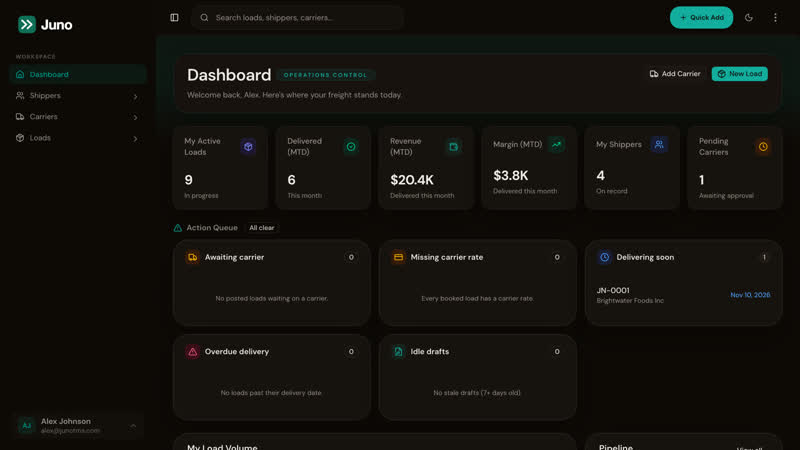
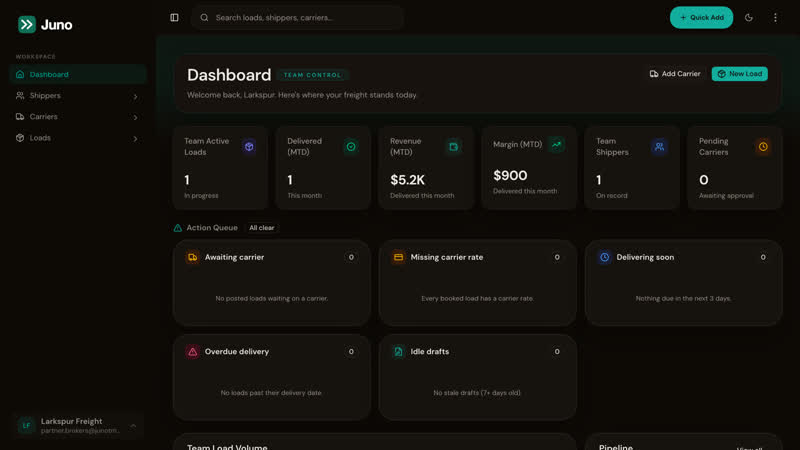
Everything a broker touches in a day.
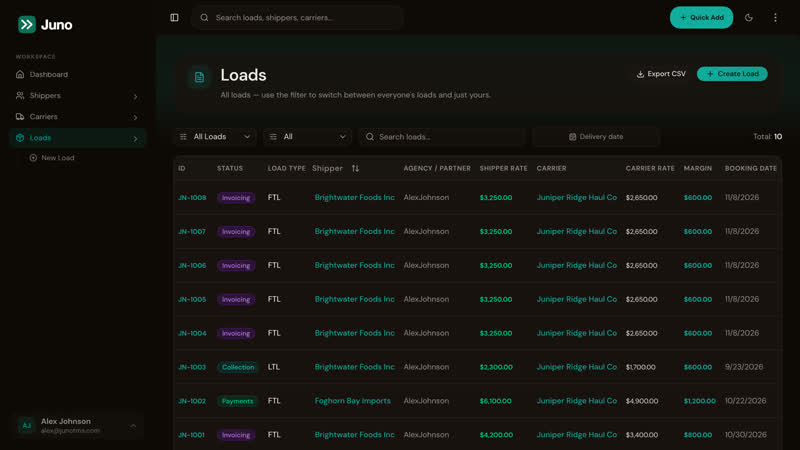
Loads, carriers, shippers, rate cons, credit, billing and your team, in one place.
Stage 1
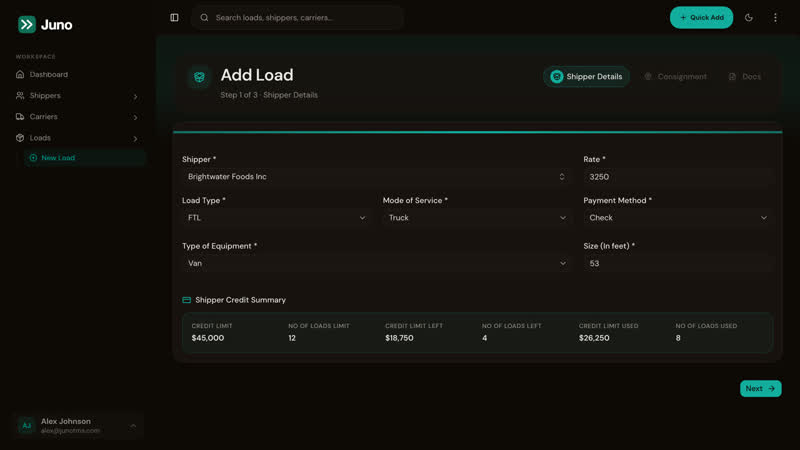
Book the load
Shipper, equipment and rate on one form, with the shipper’s credit checked as you book.
See load management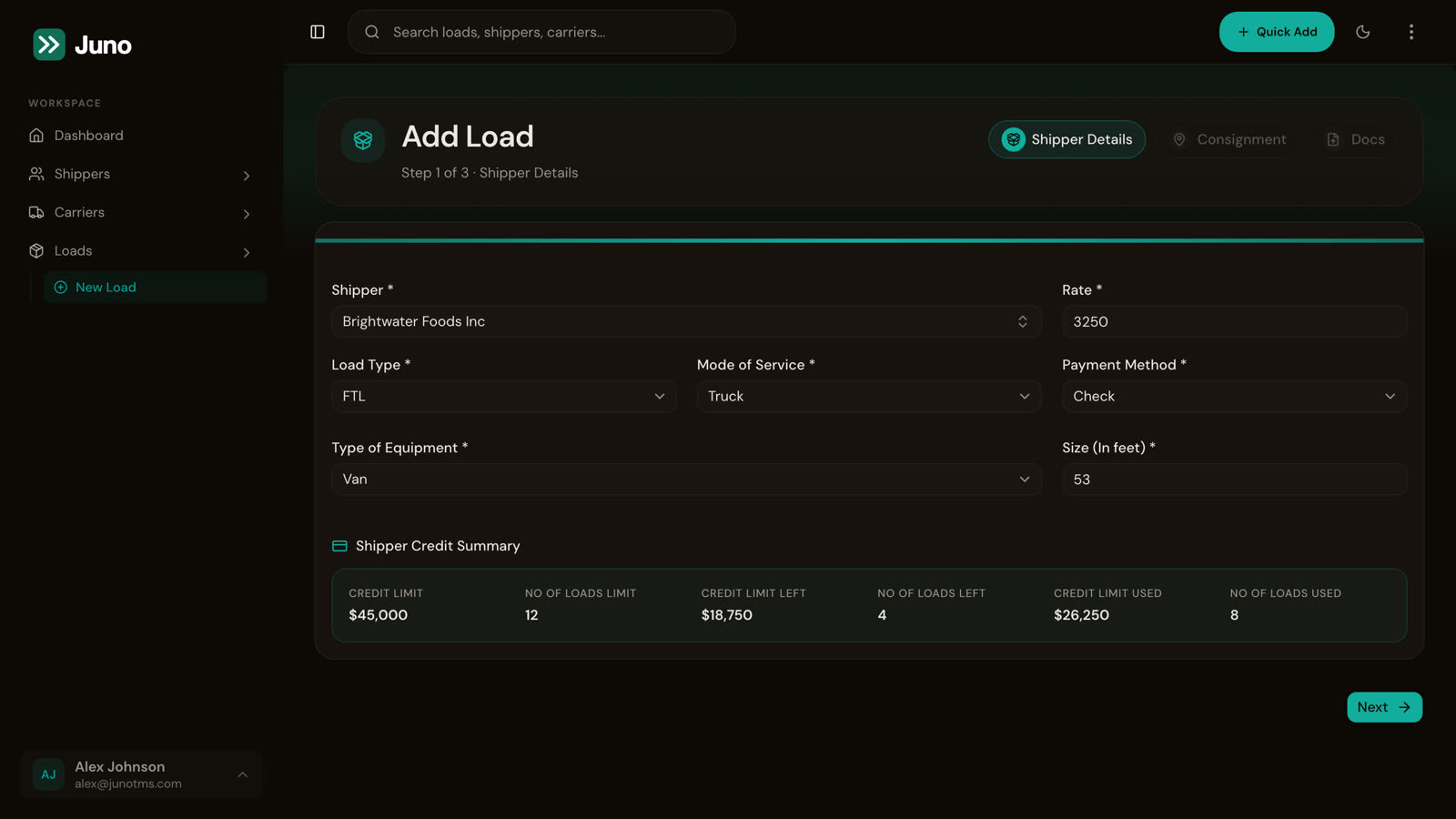
Stage 2
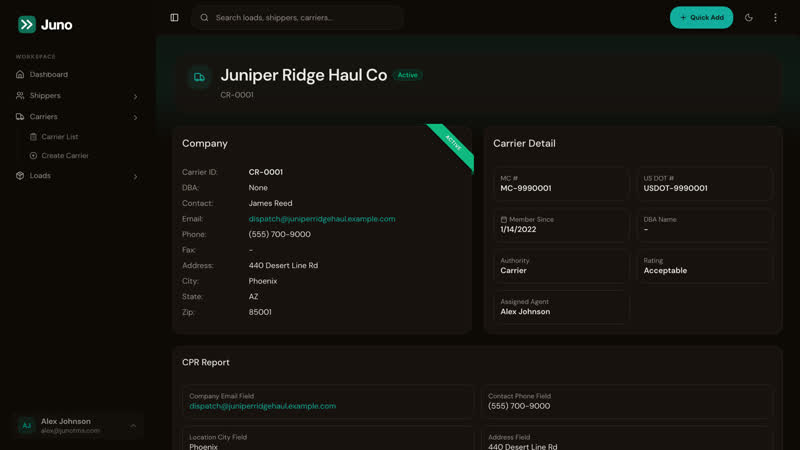
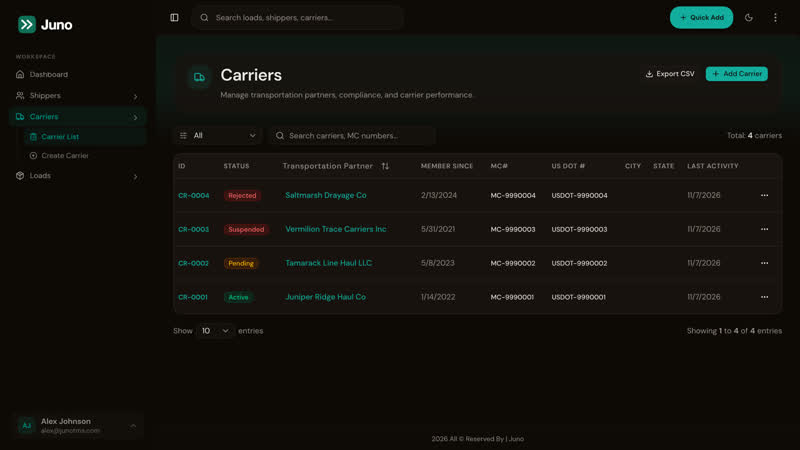
Assign the carrier
Pick a carrier by name or MC, with its authority and documents on the record.
See carrier records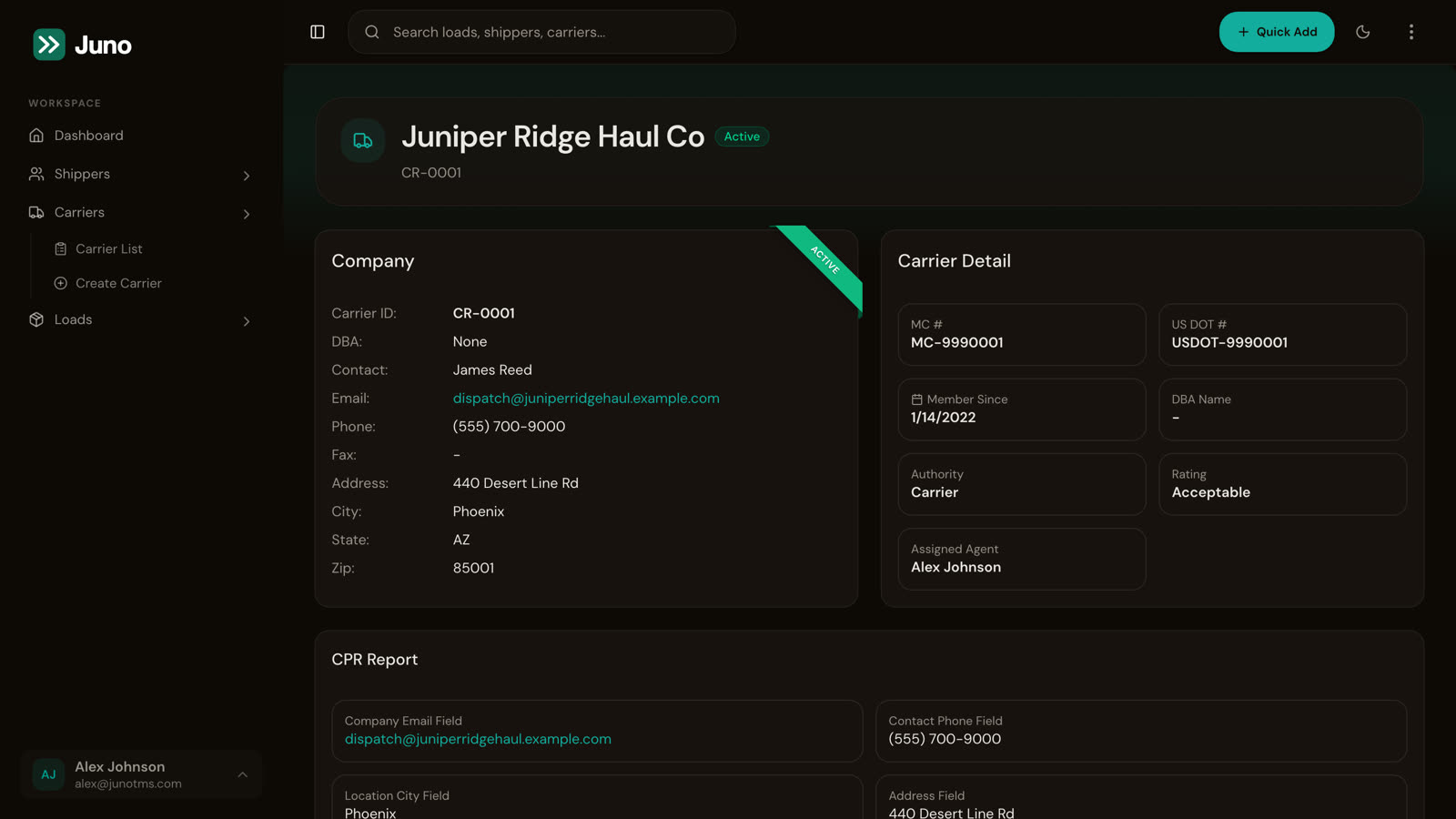
Stage 3
Confirm the rate
One click turns the load into a carrier or customer rate con PDF.
See rate confirmations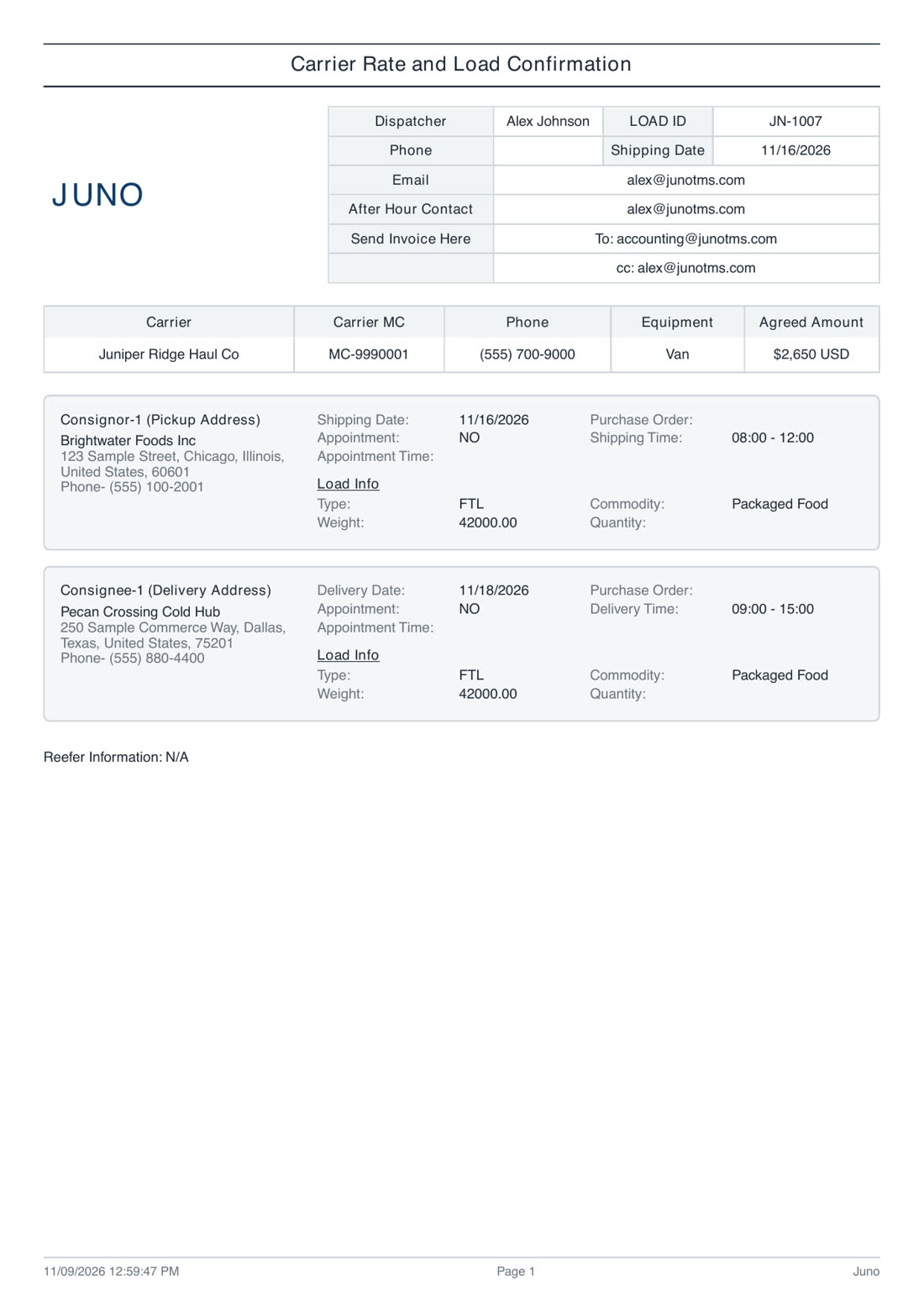
Stage 4
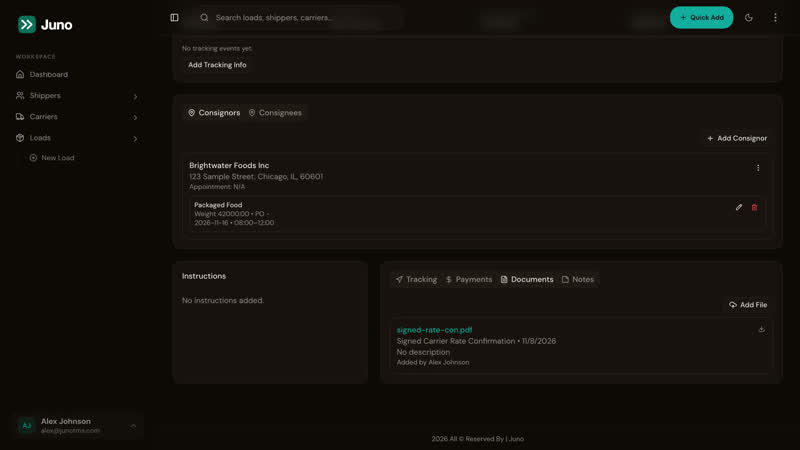
Deliver
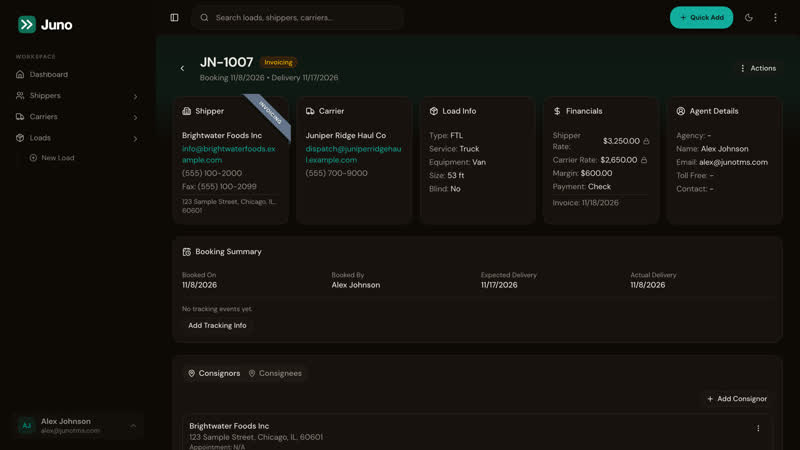
Tracking updates and signed paperwork stay on the load they belong to.
See tracking and documents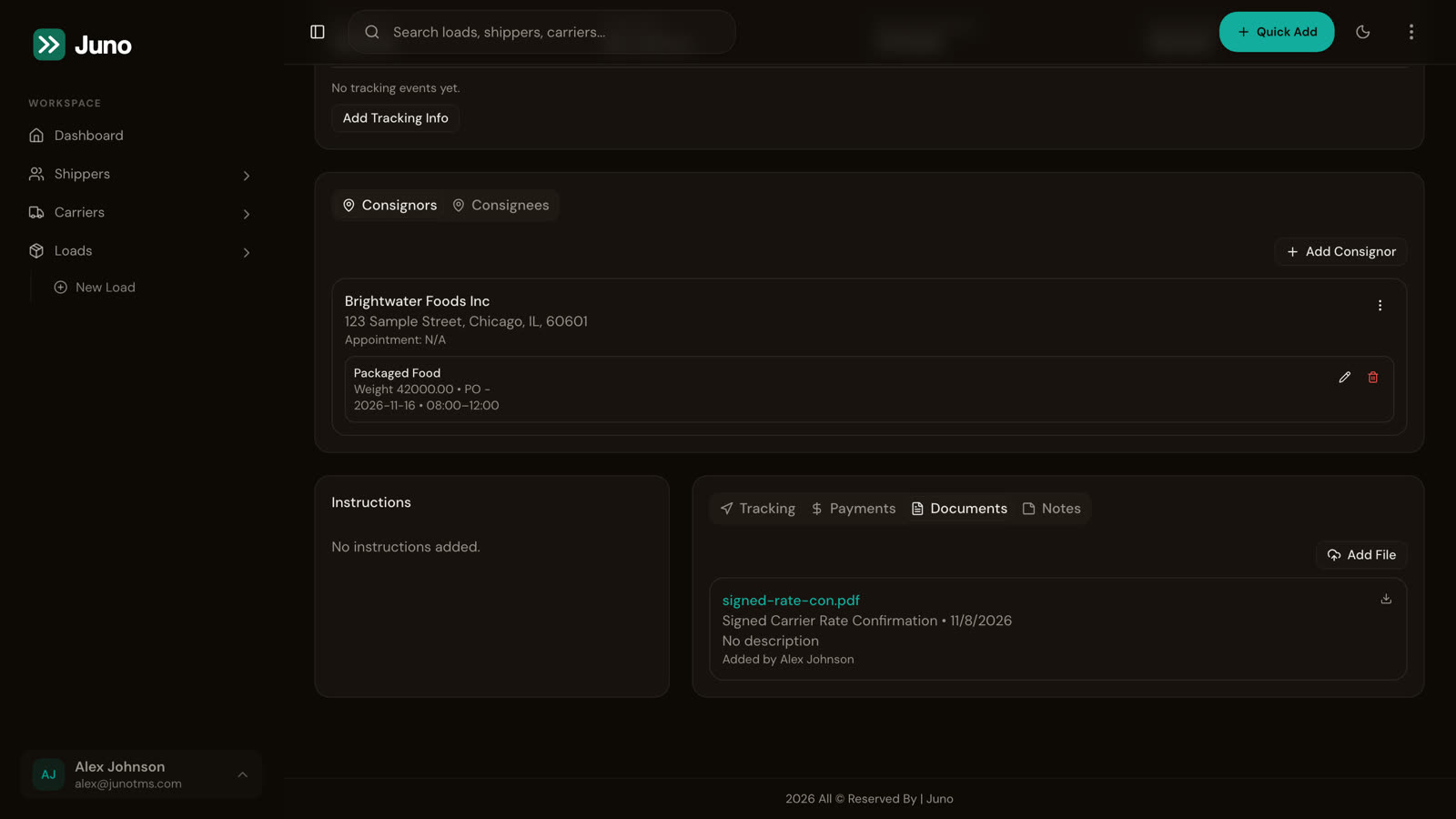
Stage 5
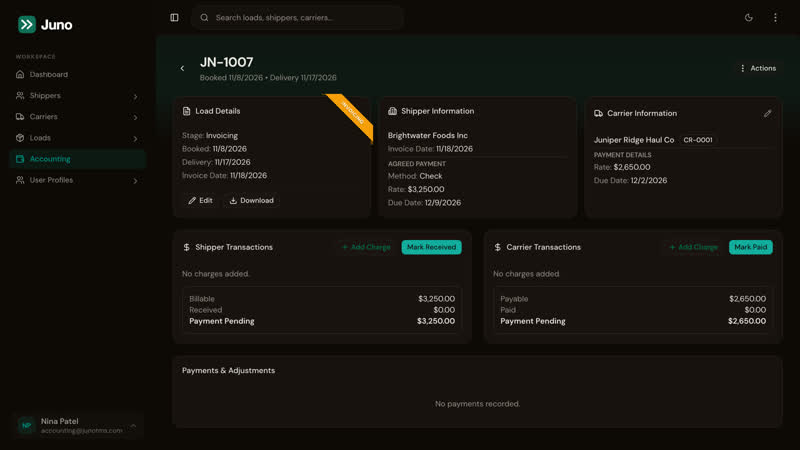
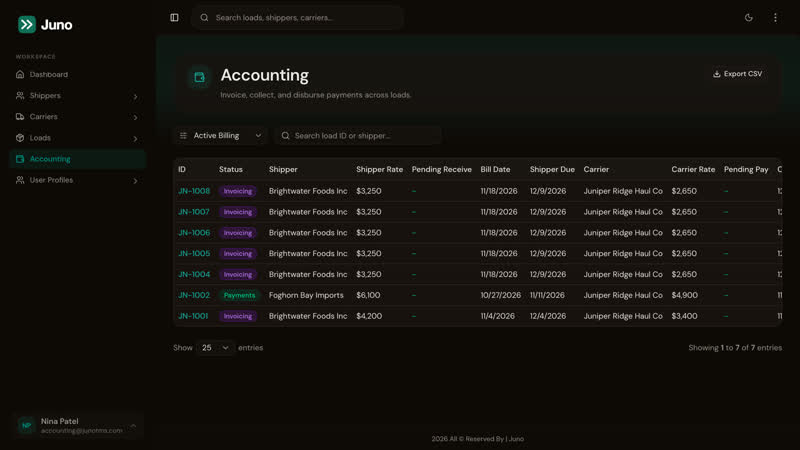
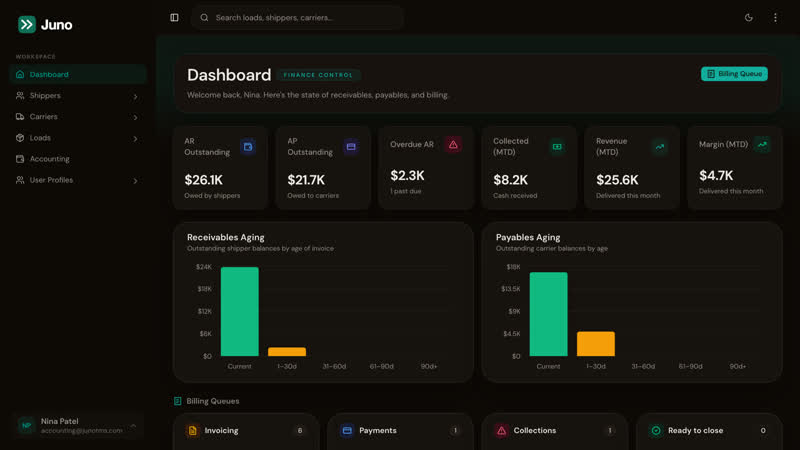
Bill and collect
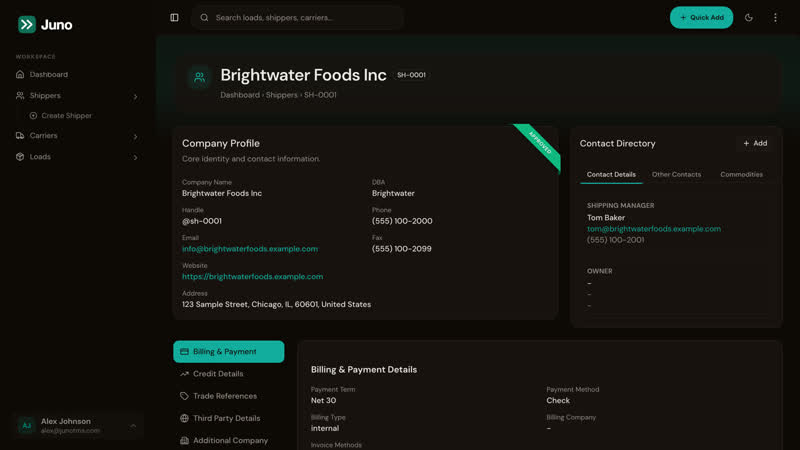
The shipper invoice comes from the same load, and what’s owed stays in view.
See accounting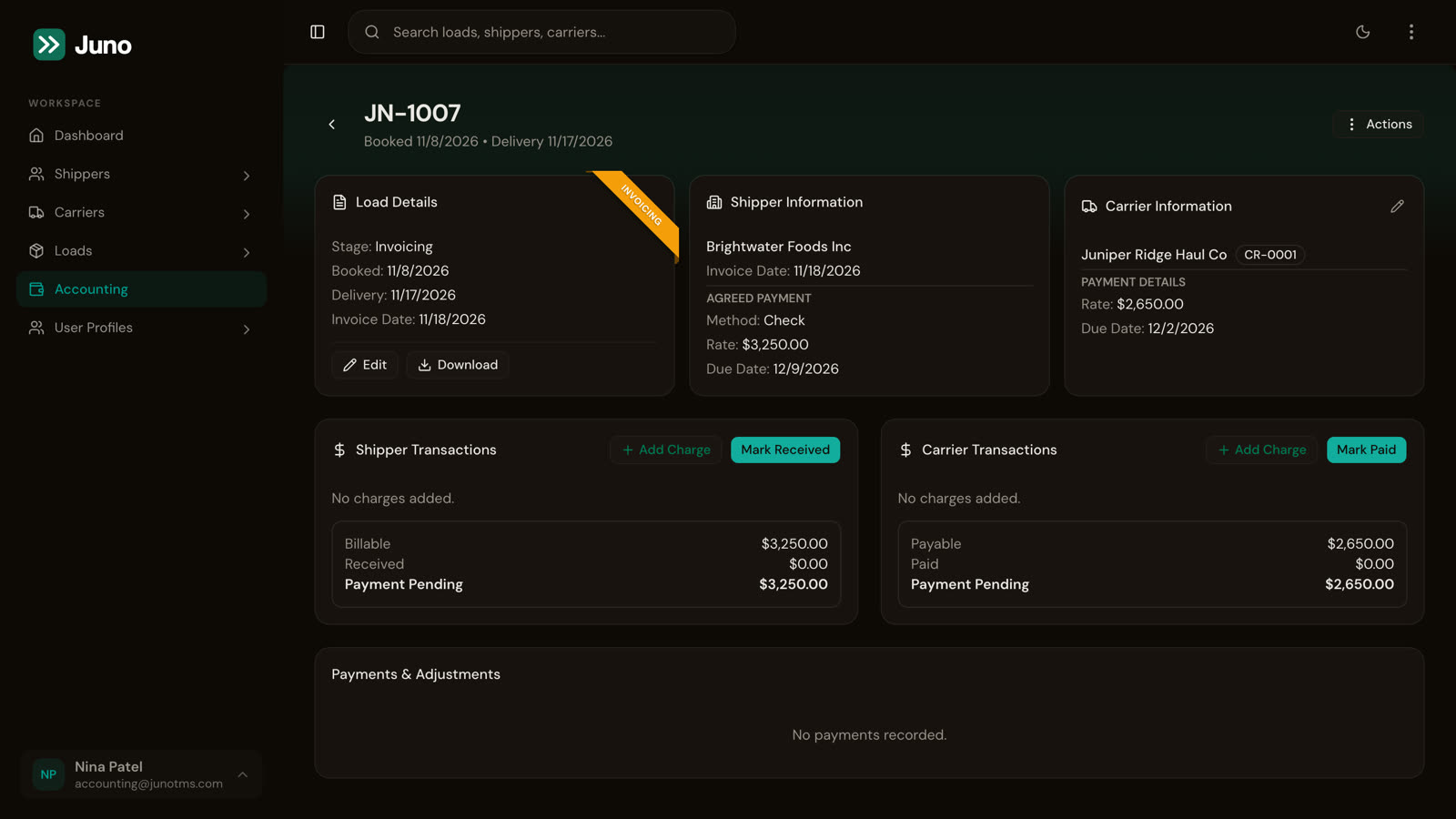
Around every load.
See it on your own loads.
Book a walkthrough with someone who’s brokered freight, and get a quote for setup.